
Artificial Intelligence has become the ultimate productivity partner — transforming the way we work, plan, write, and create. In 2025, AI tools are smarter, faster, and more integrated than ever before. Whether you’re a student, researcher, developer, or entrepreneur, using the right AI tools can save you hours every week and make your workflow smoother and more creative.
Here’s a detailed look at the 7 best AI tools in 2025 that can help you work smarter, not harder.
1. ChatGPT (by OpenAI)
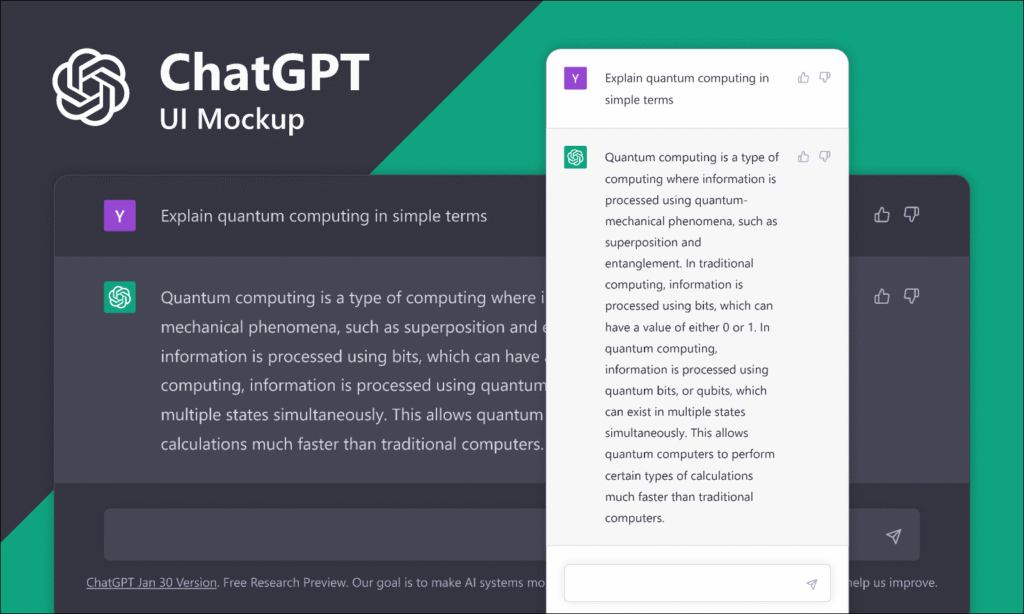
Best for: Writing, research, coding, brainstorming, content creation
ChatGPT remains one of the most powerful AI assistants for personal and professional use. Powered by GPT-5, it’s capable of understanding context, reasoning through problems, and producing high-quality written and coded output.
✨ Key Features
- Generates and edits content: emails, blogs, reports, resumes, or research papers
- Acts as a coding assistant (debugs, explains, or writes snippets in various languages)
- Summarizes lengthy articles, PDFs, or documents
- Answers complex questions conversationally and contextually
💡 Productivity Tip
Use custom instructions or templates for repetitive tasks. For example, if you frequently draft academic summaries or meeting notes, create a saved prompt like:
“Summarize this document in 150 words with key insights and action items.”
This turns ChatGPT into your personal productivity powerhouse.
🗂️ 2. Notion AI
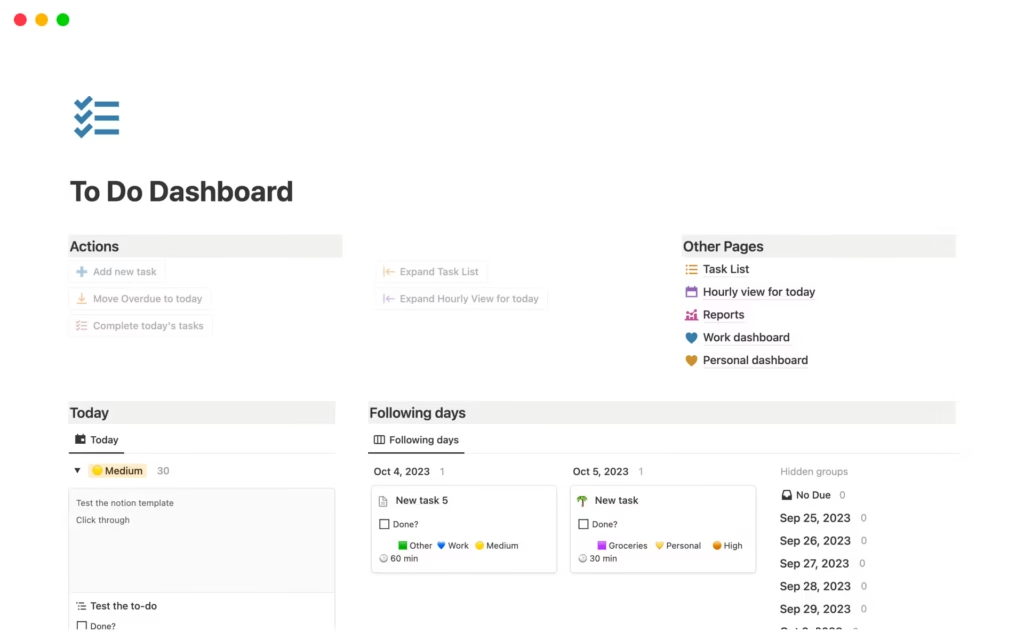
Best for: Note-taking, planning, writing, and managing projects
Notion already shines as an all-in-one workspace for notes, databases, and task management. With Notion AI, you can now draft, summarize, and organize your thoughts effortlessly — all within the same app.
✨ Key Features
- Generates meeting notes, summaries, and to-do lists automatically
- Converts rough ideas into structured documents or outlines
- Summarizes long project docs and extracts action items
- Integrates seamlessly with databases and calendars
💡 Productivity Tip
Create a “Daily Dashboard” in Notion. Add an AI block that automatically summarizes yesterday’s notes and generates today’s action plan. You’ll start each morning with clarity and focus.
✍️ 3. GrammarlyGO
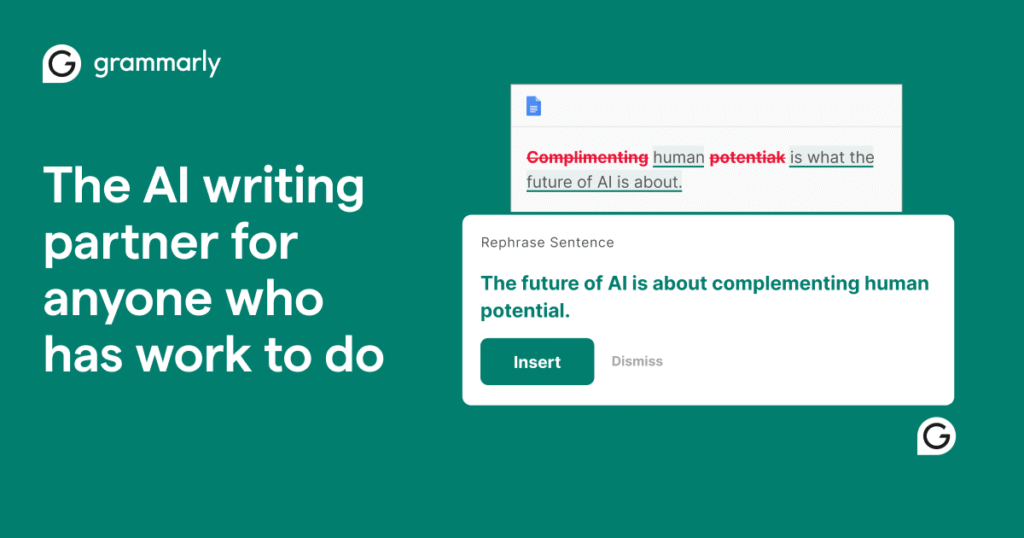
Best for: Writing, editing, and communication
Grammarly has evolved beyond grammar checks — GrammarlyGO uses generative AI to help you write faster and smarter. It adapts your tone, rewrites drafts, and even suggests full responses to emails or chat messages.
✨ Key Features
- Auto-generates email replies and message drafts
- Adjusts tone and style for clarity, confidence, or friendliness
- Helps refine academic or professional writing
- Integrates with browsers, Word, Gmail, and Slack
💡 Productivity Tip
Set your writing goals (tone, formality, intent) before starting a task. GrammarlyGO will adapt automatically, helping you produce consistent communication across all platforms.
🎤 4. Otter.ai
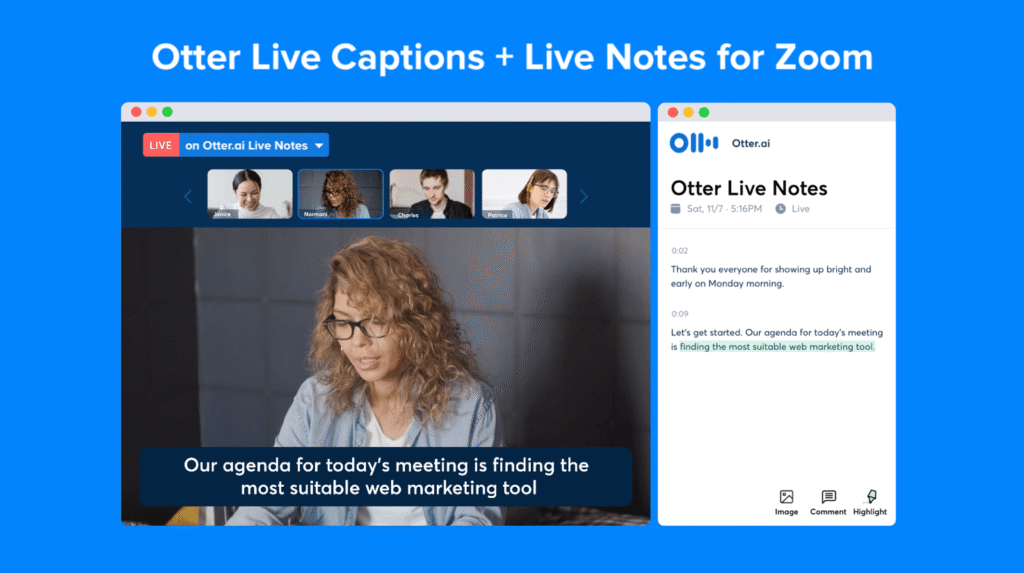
Best for: Meeting notes, lecture transcription, and interview recording
If you spend a lot of time in meetings or online classes, Otter.ai can be your second brain. It automatically records, transcribes, and summarizes conversations so you can focus on the discussion instead of typing notes.
✨ Key Features
- Real-time transcription and speaker identification
- Automatic meeting summaries with action items
- Integrates with Zoom, Google Meet, and Microsoft Teams
- Searchable transcripts and shared notes for collaboration
💡 Productivity Tip
Connect Otter.ai with your calendar. It can automatically join scheduled meetings, record them, and send you summaries right after — saving you hours every week.
⏰ 5. Motion
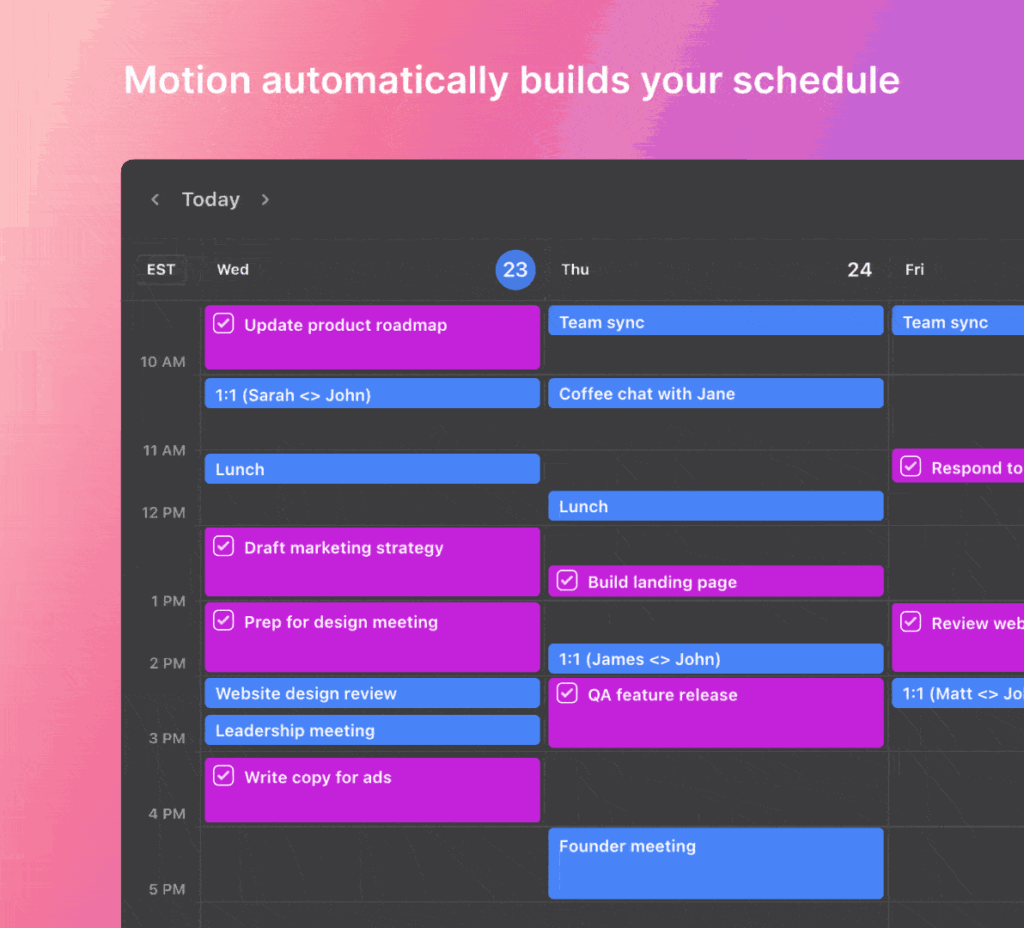
Best for: Smart scheduling and task prioritization
Motion uses AI to organize your day automatically. It builds your calendar by analyzing your deadlines, meetings, and tasks — and reschedules them dynamically when plans change.
✨ Key Features
- Automatically plans your workday and week
- Adjusts your schedule in real-time when tasks shift
- Tracks time and project progress intelligently
- Integrates with Google Calendar and project tools
💡 Productivity Tip
List all your weekly tasks in Motion on Monday morning. Let its AI build an optimized schedule — and you’ll never have to wonder what should I work on next?
⚙️ 6. Zapier + AI
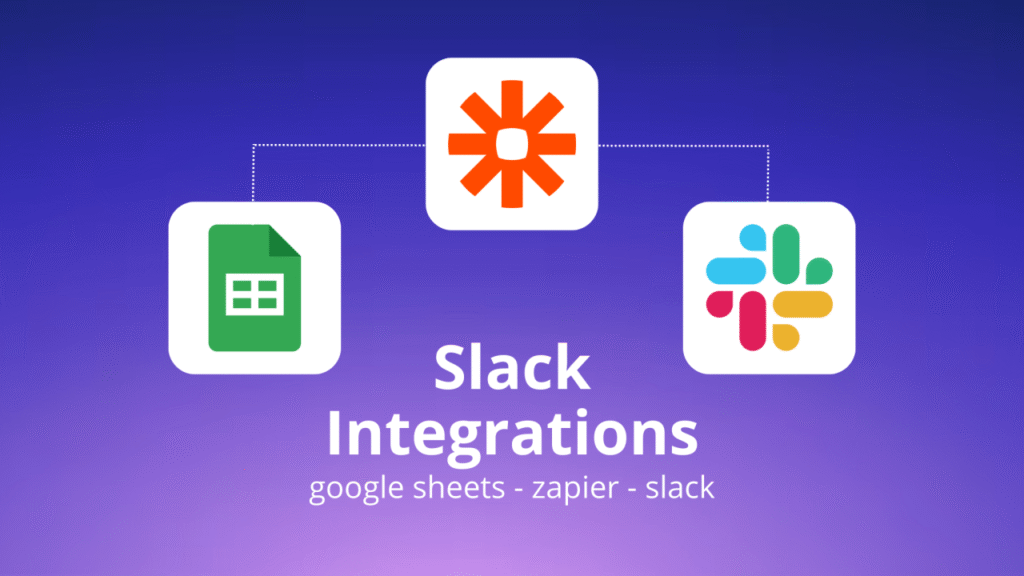
Best for: Automating repetitive tasks and workflows
Zapier connects your favorite apps (like Gmail, Google Sheets, Slack, and Notion) and automates workflows — now enhanced with AI to make setup even easier.
✨ Key Features
- AI-powered “Autobuilder” to create automation from natural language
- Integrates with 5,000+ apps
- Auto-generates summaries, reports, or notifications
- Reduces manual data entry and repetitive admin work
💡 Productivity Tip
Use Zapier + AI to automate simple workflows such as:
- “When a new email comes in from X, create a task in ClickUp.”
- “When a Google Sheet updates, send me a daily summary.”
Each automation you create saves minutes — which turn into hours every week.
📊 7. ClickUp AI
Best for: Project management and team productivity
ClickUp already offers robust project management tools, but ClickUp AI takes it further by automating planning, summarization, and reporting. It’s a complete productivity platform for teams and individuals.
✨ Key Features
- Automatically creates and assigns tasks from meeting notes
- Summarizes project updates and generates reports
- Predicts delays and resource bottlenecks
- Offers AI writing tools for documentation and task descriptions
💡 Productivity Tip
Enable “AI Task Summaries.” ClickUp will create concise progress reports — perfect for weekly stand-ups or project updates — without any manual effort.
🧩 Final Thoughts: Choose Wisely, Automate Intelligently
AI productivity tools are only as powerful as how you use them. Here’s how to make them work for you:
✅ Start small. Pick one tool that solves your biggest bottleneck.
✅ Integrate smartly. Link tools together (e.g., Notion + Zapier + ChatGPT).
✅ Stay human. Let AI handle the repetitive parts — you focus on creativity and decision-making.
✅ Review & optimize. Every month, measure time saved and adjust your workflow.
By adopting just a few of these AI tools, you can reclaim valuable time, reduce stress, and amplify your creative and professional output in 2025.
